Wikibase Suite (WBS)
Installing Wikibase Suite (WBS)
Wikibase Suite (WBS) is a production-ready Wikibase software bundle for self-hosting a public knowledge graph similar to Wikidata. It includes MediaWiki, Wikibase, Query Service, QuickStatements, and HTTPS routing for a public instance.
For installation without the browser-based installer, see Manual Installation.
Before You Start – What You Need
[!NOTE] These are mandatory steps. Wikibase Suite is not meant for local installations.
1. Server (VPS)
You need a Linux-based server that meets these minimum requirements:
- Server with a public IP address
- Architecture: x86 (AMD/Intel)
- RAM: min. 8 GB
- Storage: min. 4 GB
- Operating System: Ubuntu (recommended)
2. Domain registration
You need two domain configurations – a main domain for your Wikibase and a subdomain for the Query Service software:
- Main domain for your Wikibase:
yourdomain.com - Subdomain for Query Service:
query.yourdomain.com
How to configure domains for your server (VPS):
- Log in to your domain provider’s control panel
- Go to the DNS Settings section
- Delete all AAAA records
- Add these two A records:
| Record name | Value | Type |
|---|---|---|
| @ | IP address from server | A |
| query | IP address from server | A |
Start the Wikibase Suite Installer
Connect to your server
- Open a terminal program on your computer.
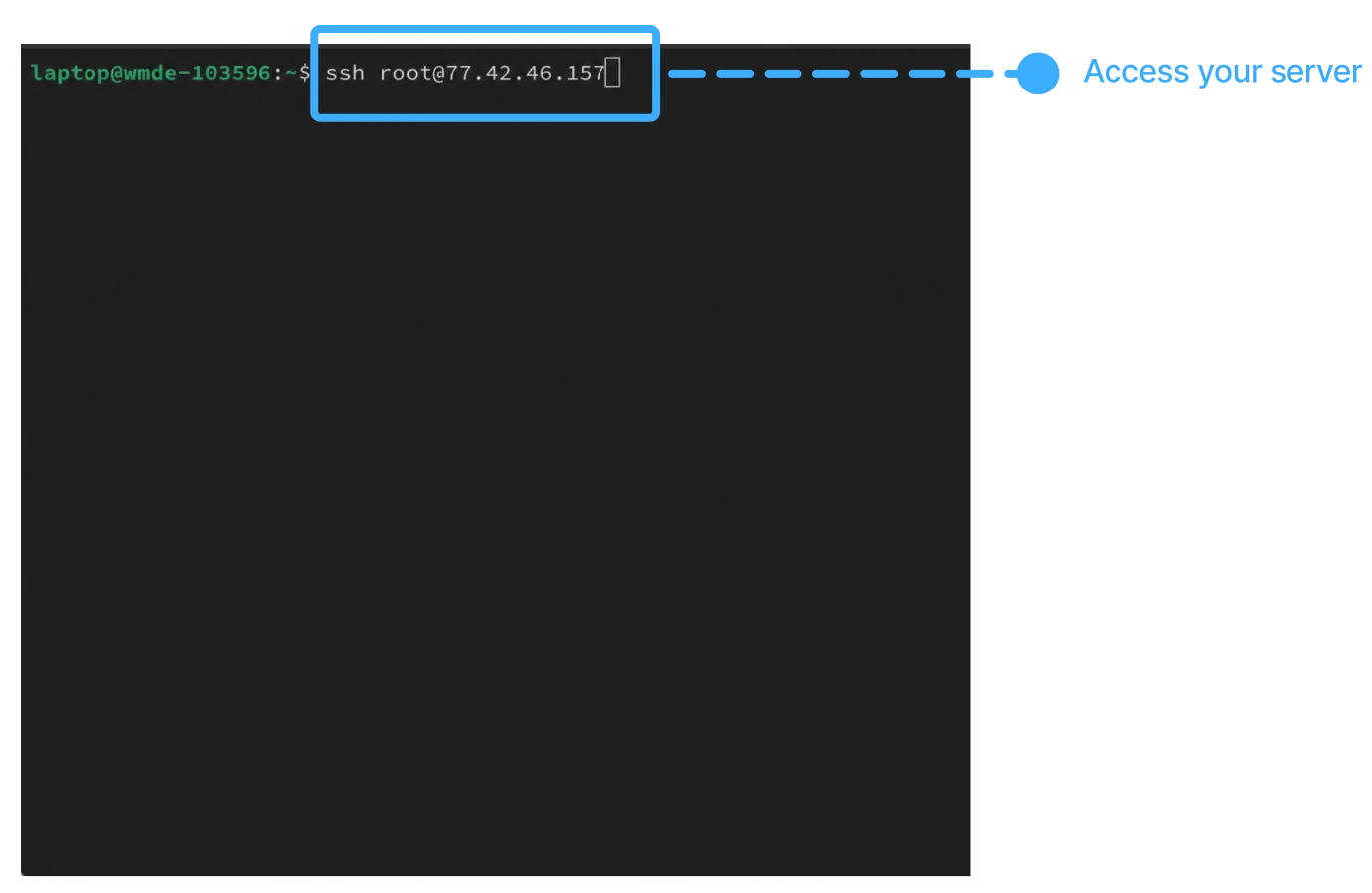
- Access your server by entering the command below.
- Enter the password generated for your server, or use your personal SSH key, depending on your server provider.
ssh root@SERVER_IP_ADDRESS
Start the installer
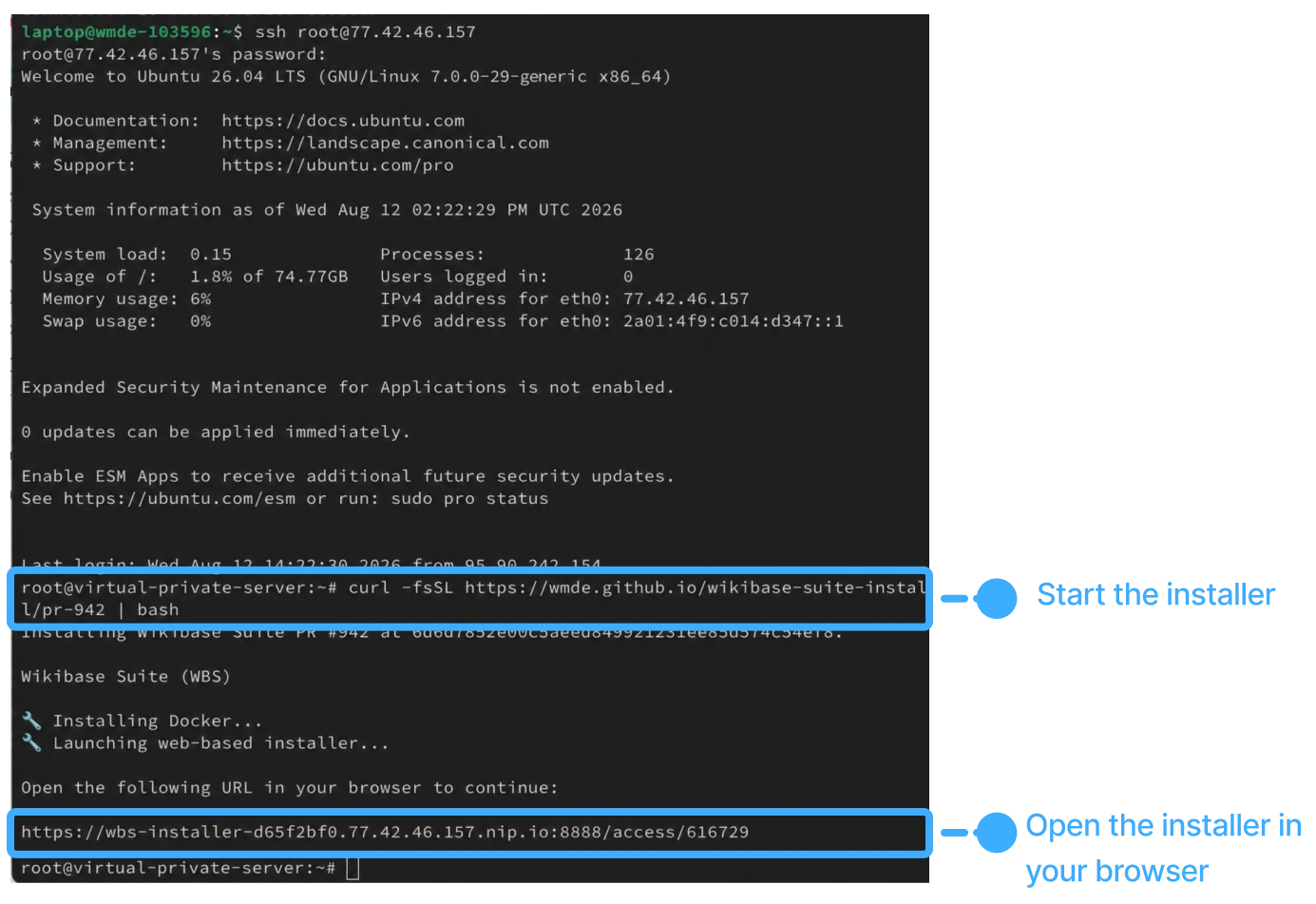
- Start setup by copying and pasting the command below.
- Wait for the initial setup to finish. This can take about a minute.
- Open the provided link in your web browser to start the Wikibase Suite Installer.
curl -fsSL https://wmde.github.io/wikibase-suite-install | bash
This command installs the latest stable WBS release identified by a
wbs@MAJOR.MINOR.PATCH tag and starts its browser installer.
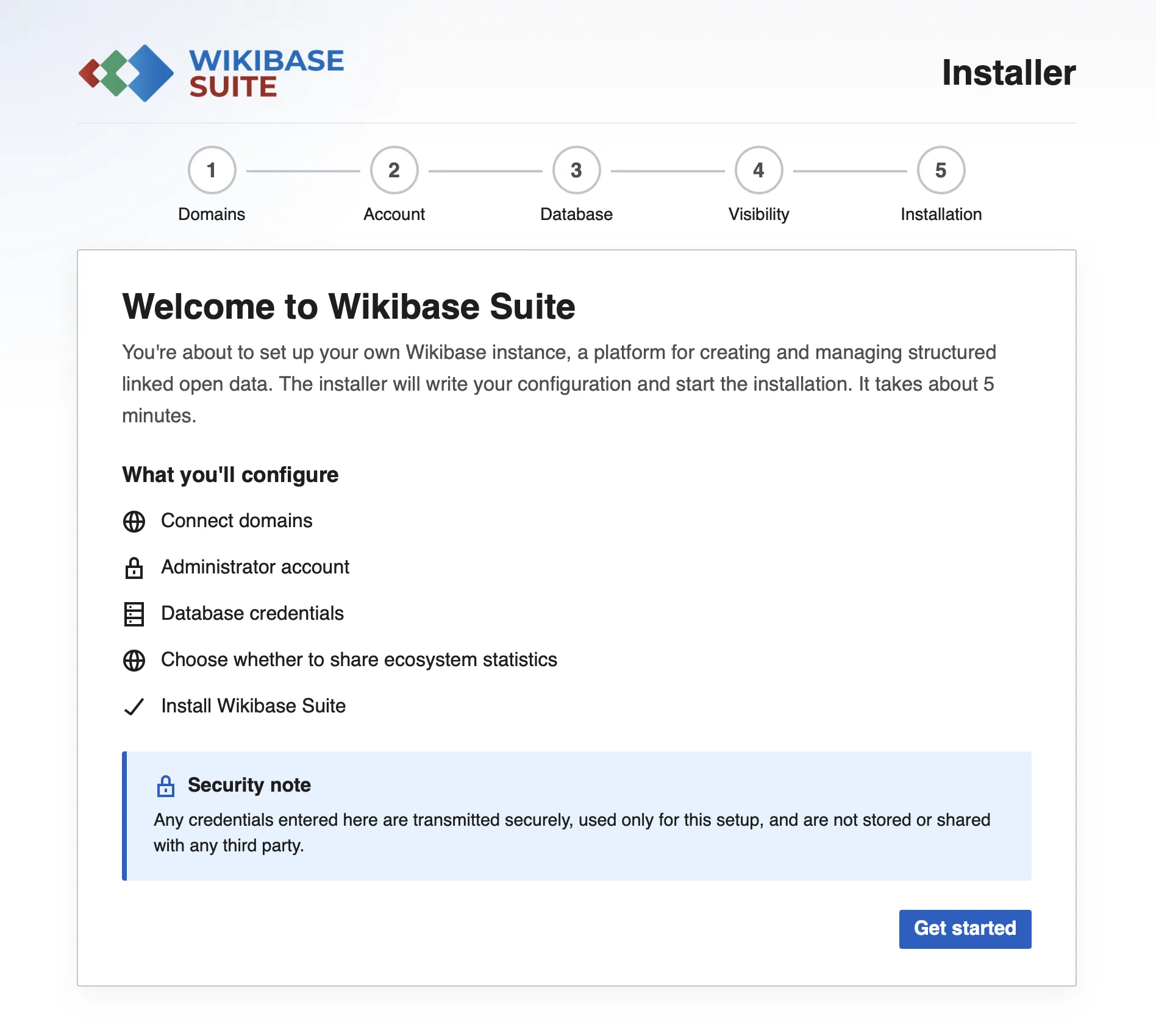
Configure and install Wikibase Suite
The Wikibase Suite Installer walks you through the steps to configure and install your Wikibase instance.
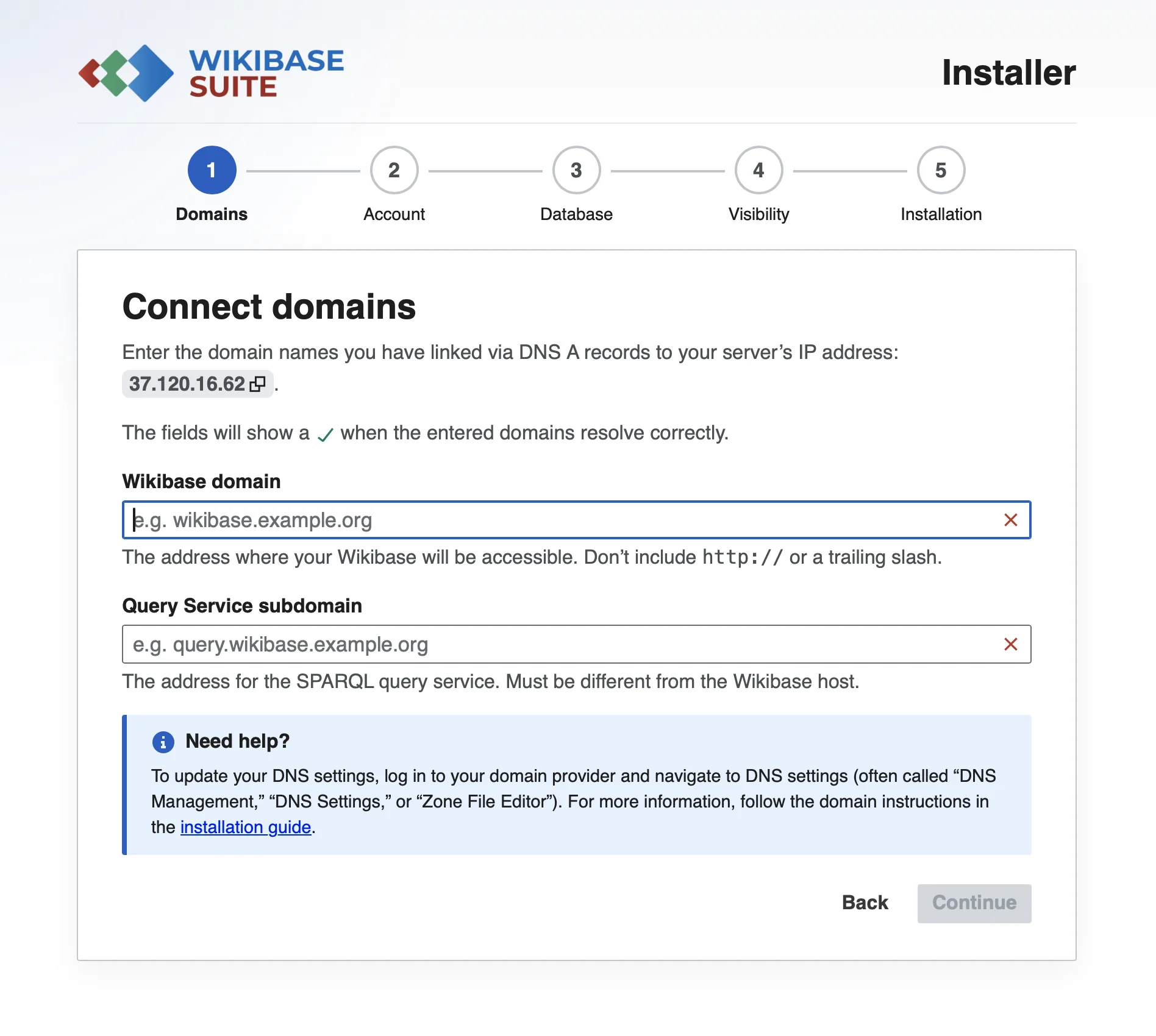
Connect your domain and subdomain:
Enter the domain names you registered in the requirements step:
- Main domain to access your Wikibase.
- Subdomain to access the Query Service software.
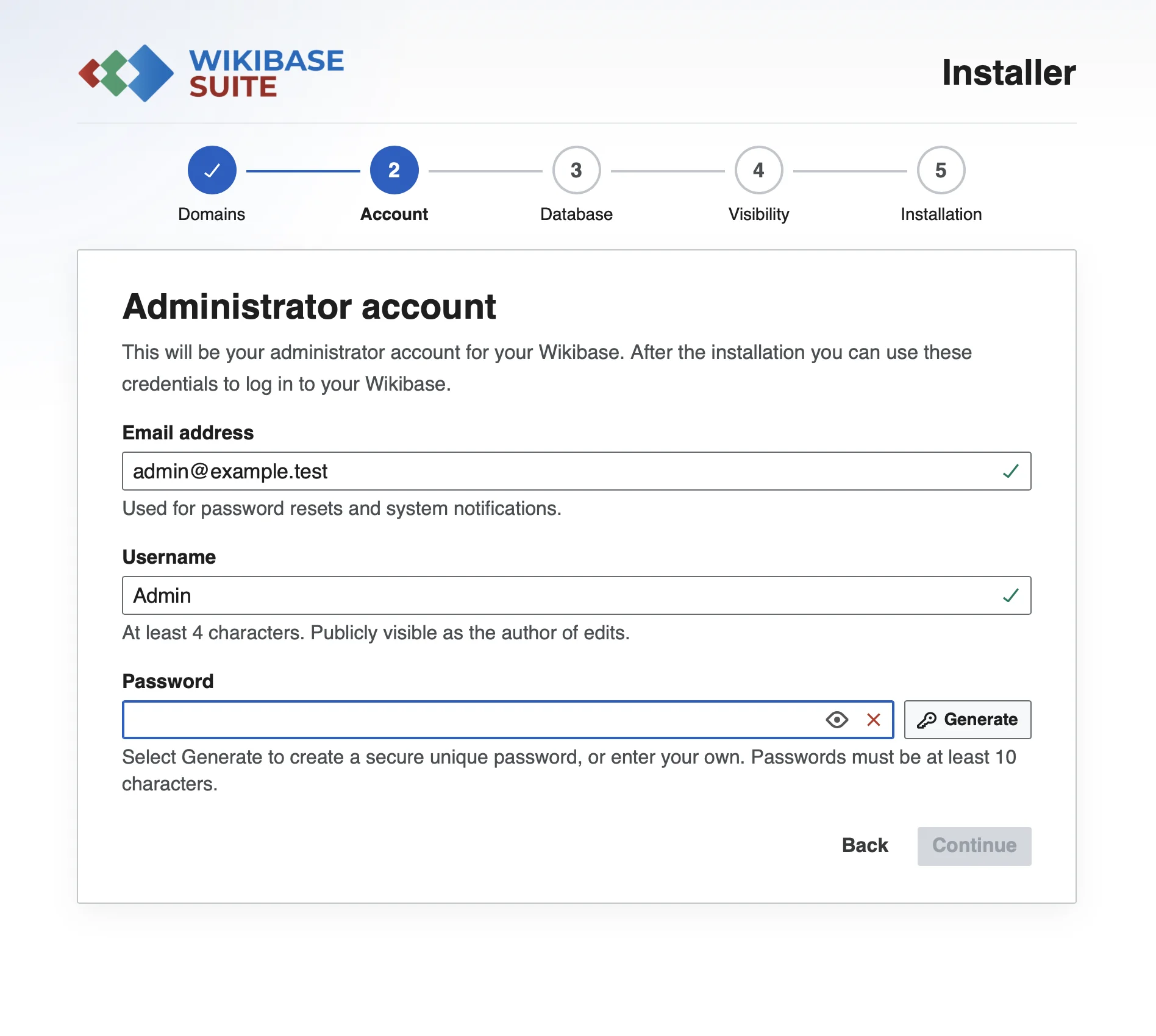
Create an administrator account for your Wikibase:
This is your personal login for managing your Wikibase. Fill in:
- Email address – used for account recovery and notifications
- Username – the name you’ll use to log in (publicly visible as editor)
- Password – choose something strong (at least 10 characters)
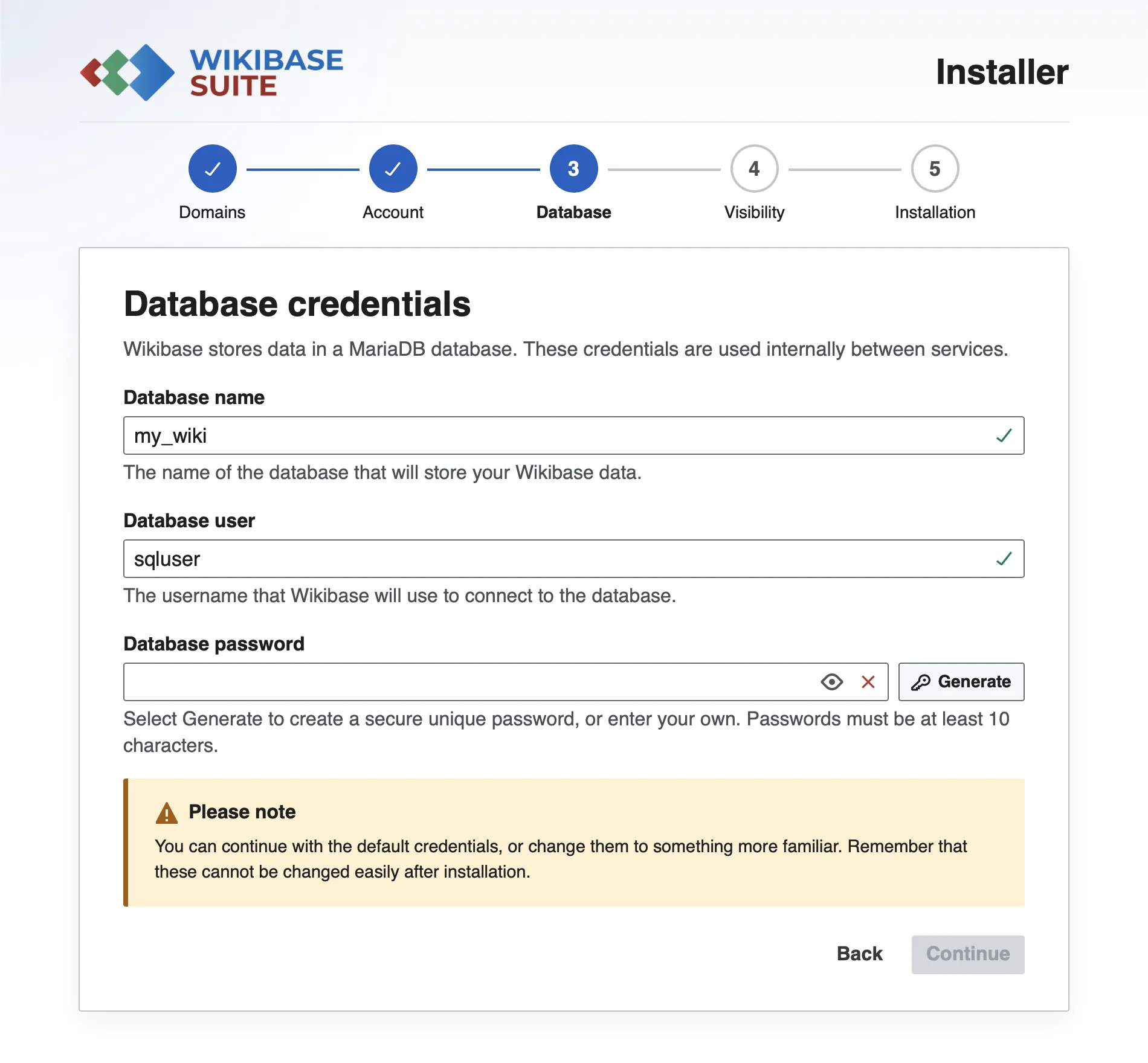
Set up database credentials.
The database is where all your Wikibase content is stored behind the scenes. You don’t interact with it directly, but it needs a password to keep your data secure. The installer provides a default database configuration if you do not enter custom credentials.
- Database name and database username – you can leave the defaults unless you have a specific reason to change them.
- Database password – set a strong, unique password
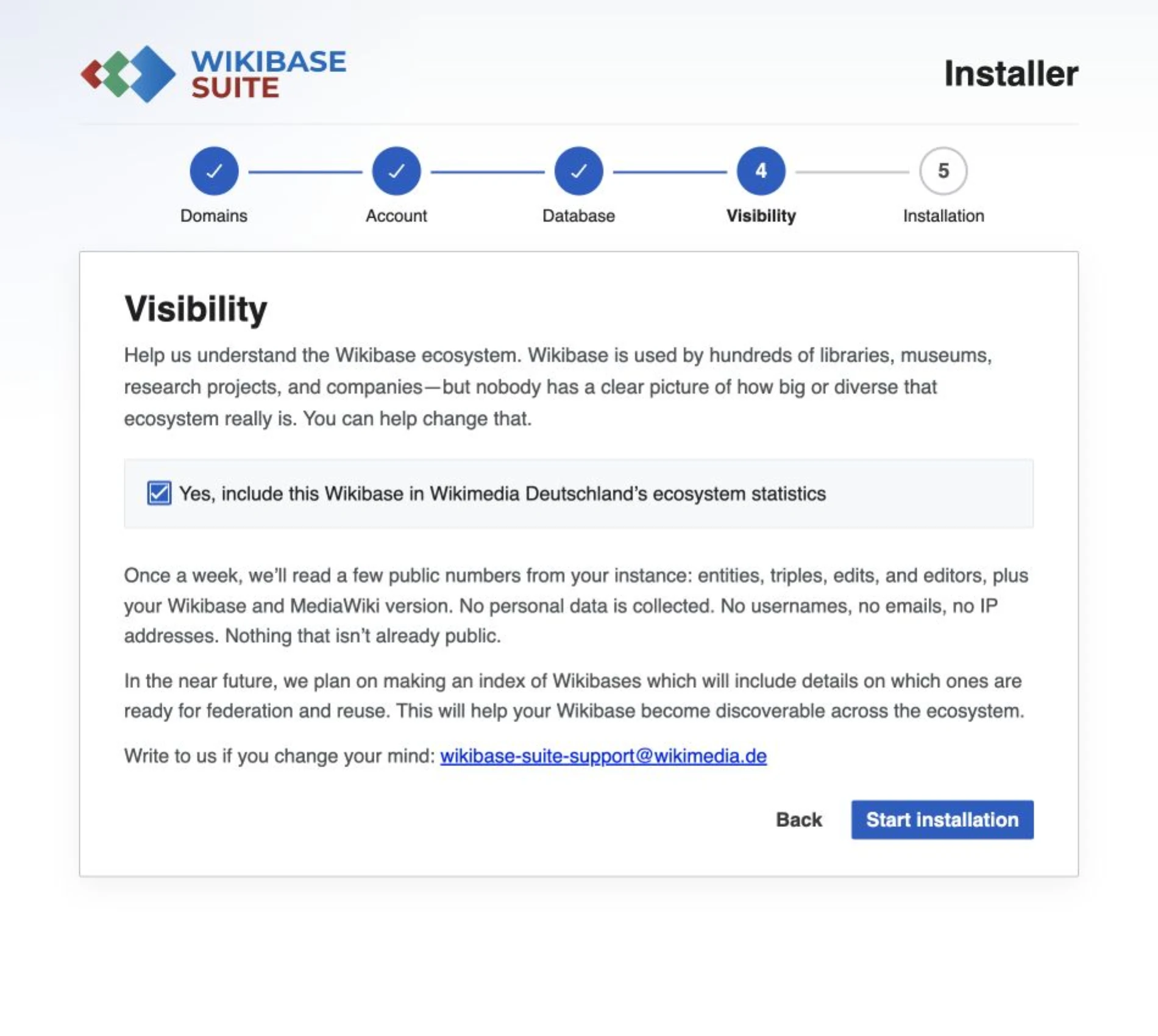
Visibility
Help us understand the Wikibase ecosystem. Wikibase is used by hundreds of libraries, museums, research projects and companies — but nobody has a clear picture of how big or how diverse that ecosystem really is. You can help change that by providing some statistics from your Wikibase.
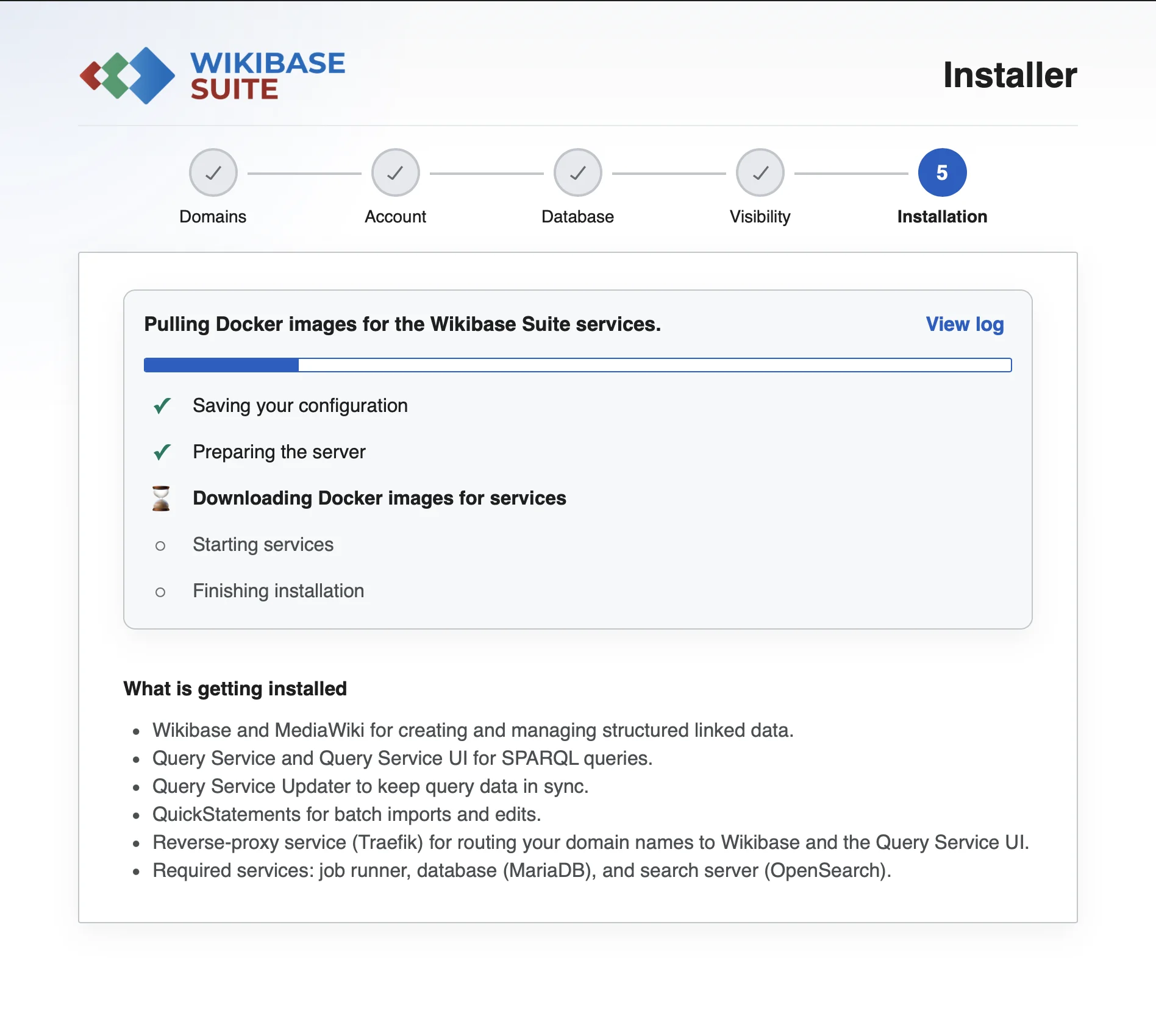
Run the installation for all WBS components.
All Wikibase Suite components will be downloaded and installed. This may take a few minutes.
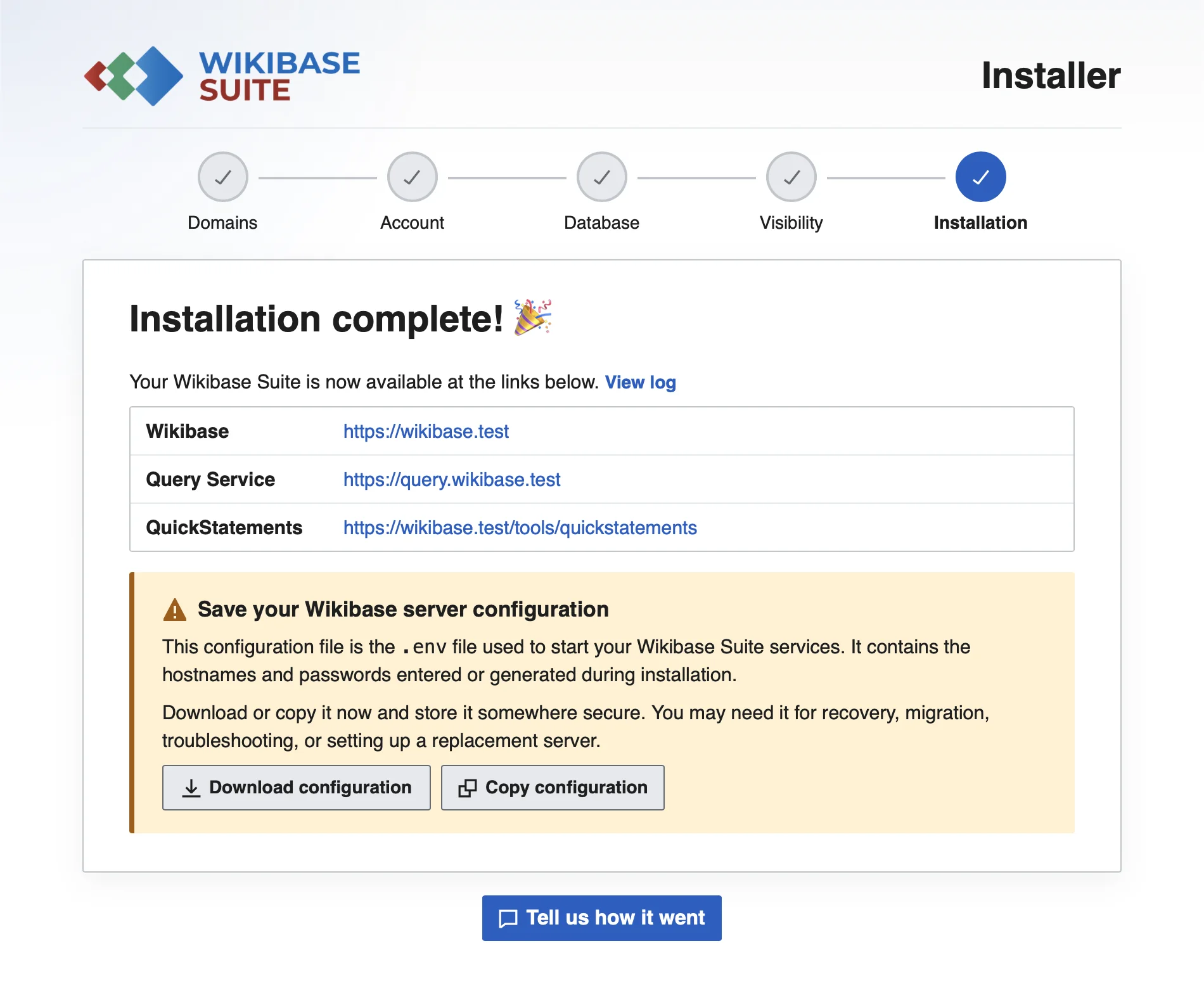
Congratulations: You have installed your own Wikibase instance!
You can directly access your Wikibase, the Query Service and QuickStatements. Everything is configured and ready to use.
Note: Download the configuration file.
Share your feedback with us
How did the installation go? Feedback >
Support
If something is not working as expected, start with Troubleshooting. If you have questions or need help, use this bug report form to start a conversation with the engineering team.